

Tap to Donate is now available to everyone – simple contactless giving for your church
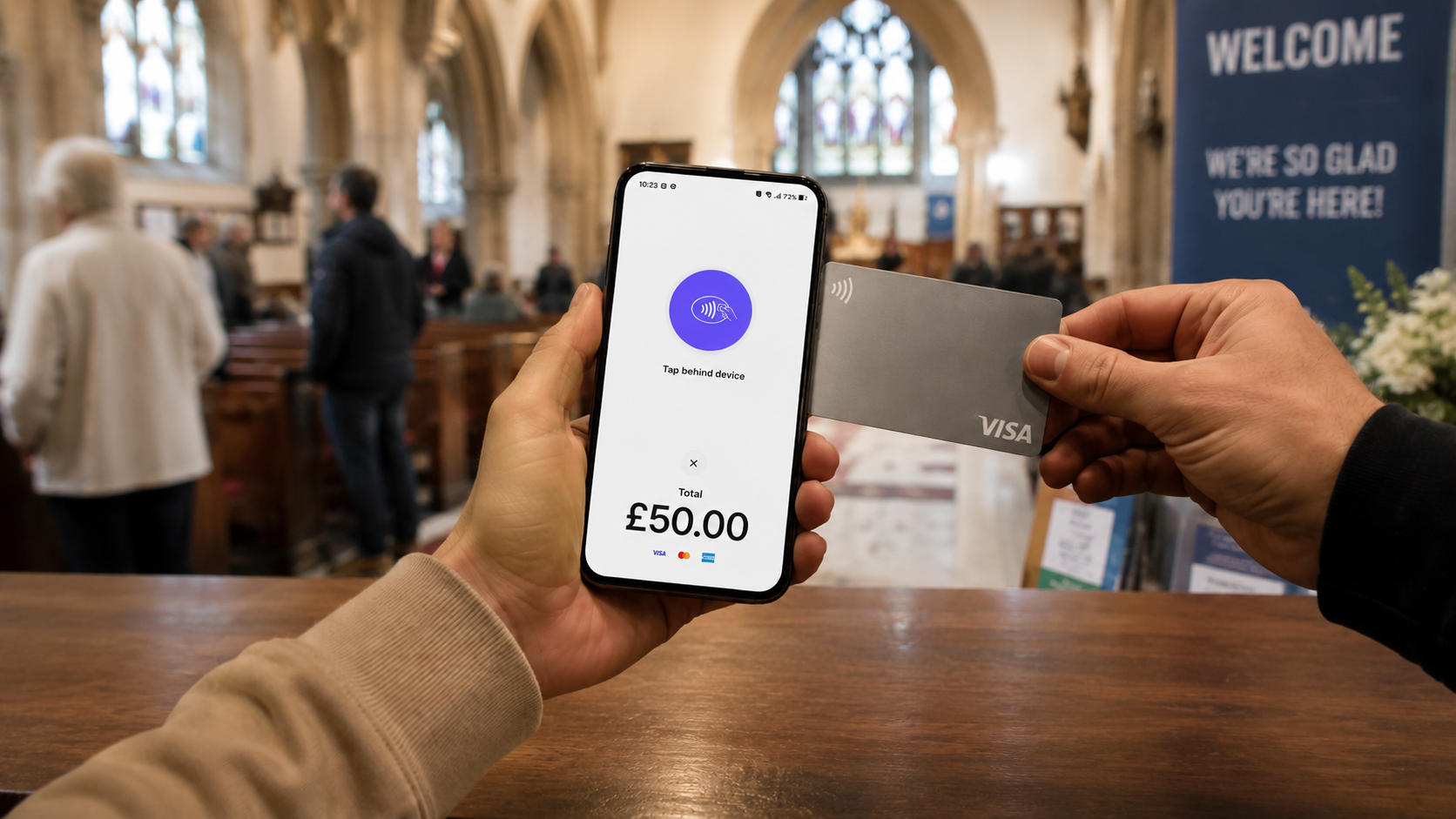
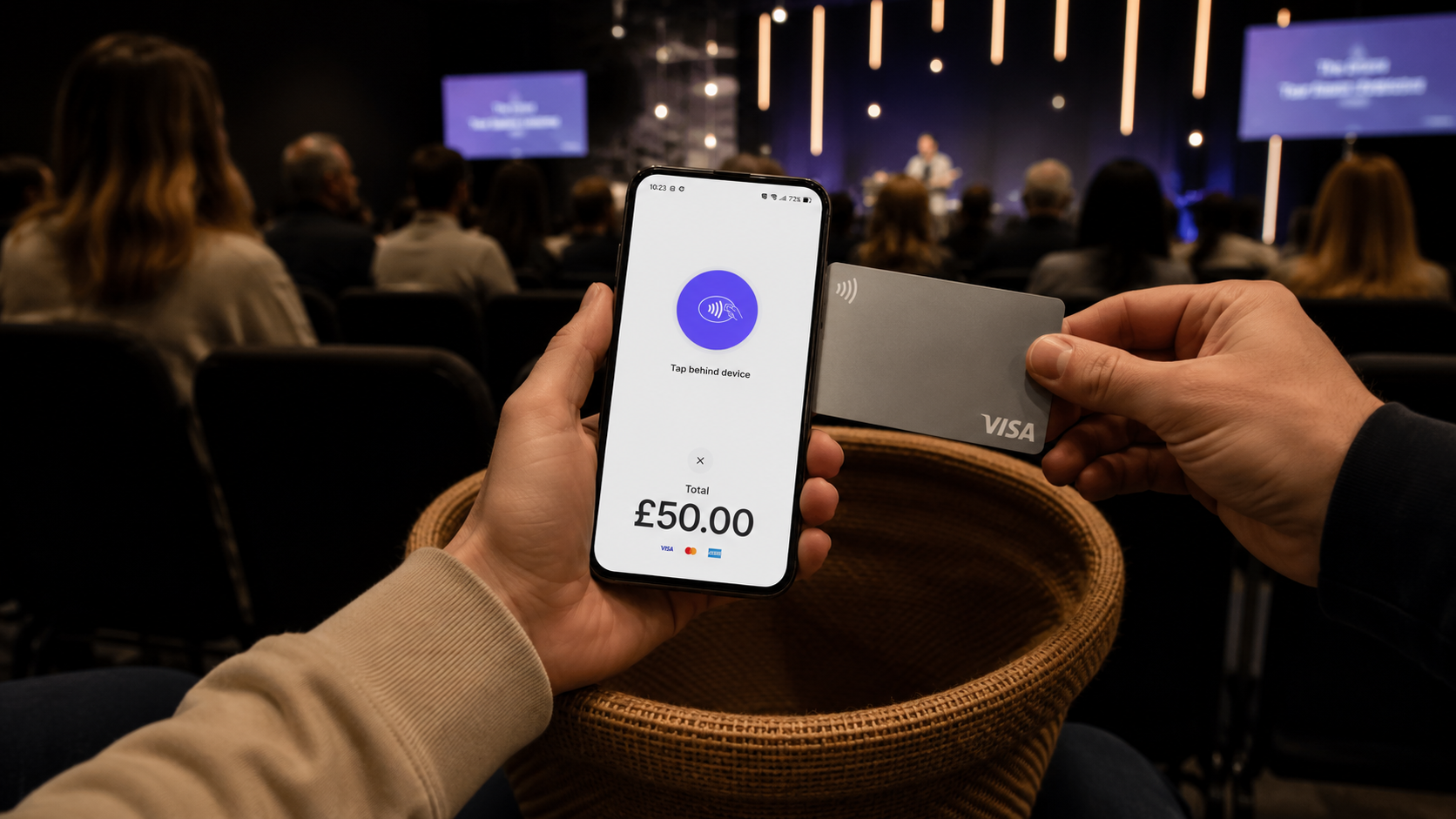
We're excited to take the wraps off our Tap to Donate app that was previously in beta. Designed for in-person gatherings and events, Tap to Donate makes it easy to collect anonymous contactless donations from cards and digital wallets by turning your iOS or Android device into a card reader.
It's a great solution for churches that want to make it simple for people to give - especially those who don't carry cash or cheques but still want to respond to invitations to support the work of the church.
Reduce cash and cheque handling
Tap to Donate connects directly to the Giving module. Every donation is recorded automatically, so you spend far less time counting cash, banking cheques and reconciling everything afterwards. It brings a bit more order to what can otherwise be a long process.
Works with the devices you already have
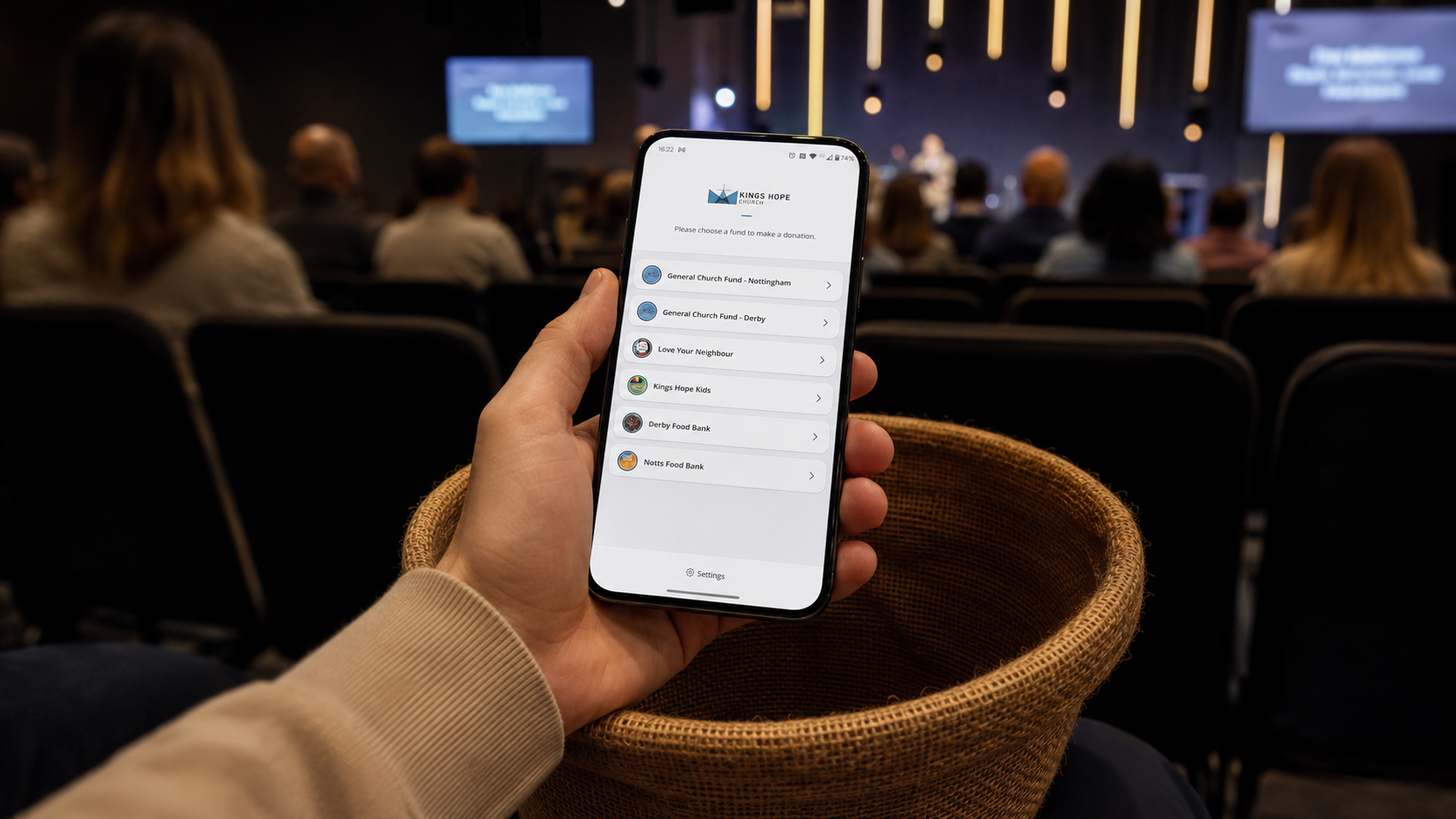
There's no need to buy extra card readers or complicated hardware. Tap to Donate uses the built-in NFC chip in most modern iPhones and Android phones/tablets. If your device supports NFC, just download the app, log in, and you're ready to go.
Flexible for how your church actually does things
You can use Tap to Donate in two main ways:
Set up a fixed giving kiosk at the back of church or at an event.
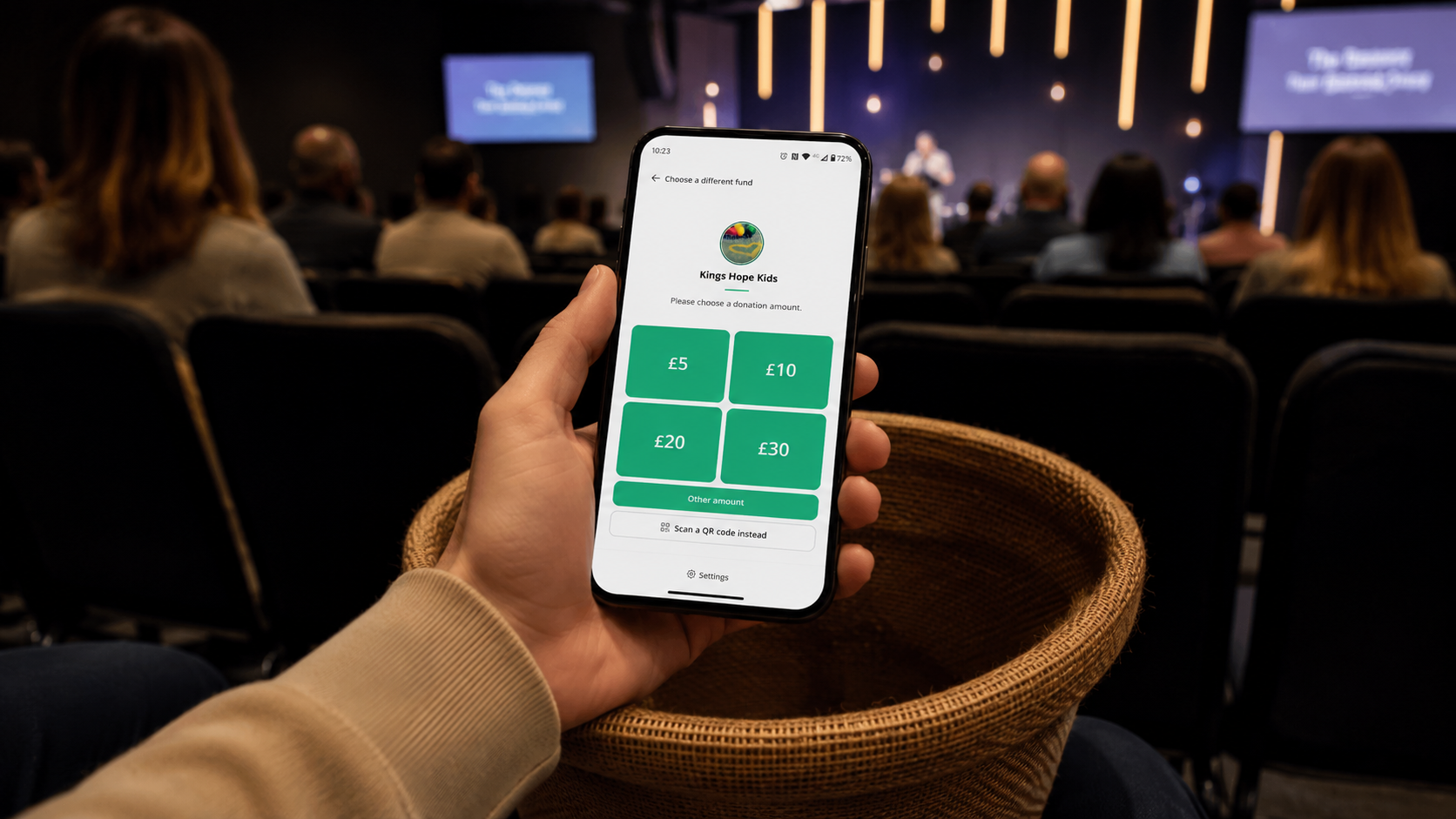
Pass the device around during the offering so people can give as the plate comes to them.
Both options work smoothly, and the refreshed interface makes the experience clearer and quicker for givers.
Easier control over funds and amounts
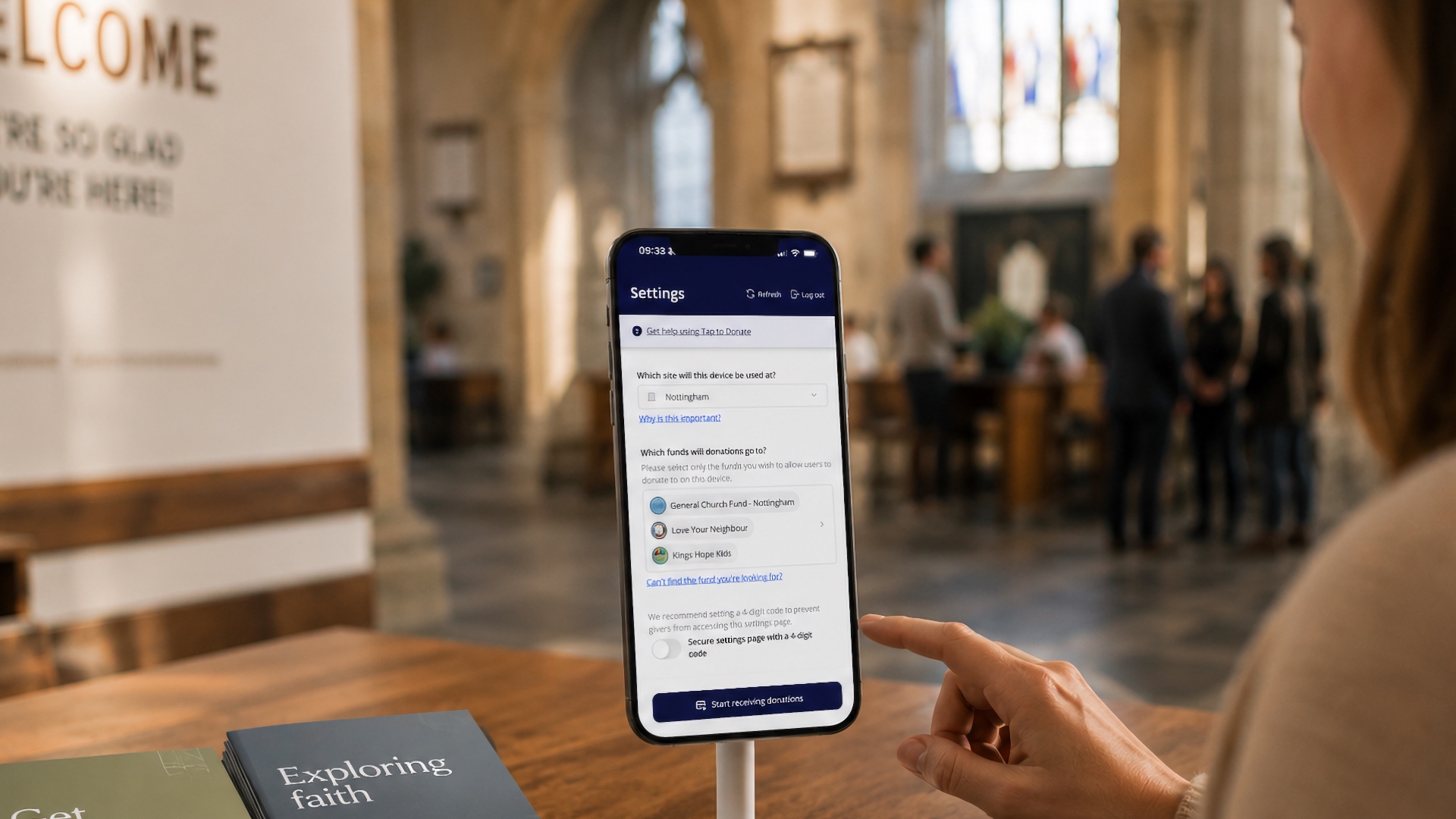
We've made it simpler to manage which funds appear in the app. You can:
Lock a device to a single fund (great for a specific event or kiosk).
Let givers choose from multiple funds.
Set your own preset donation amounts for each fund.
This gives you proper control while keeping things easy for the person giving.
Gift Aid for UK churches
For churches in the UK, Tap to Donate supports the HMRC Gift Aid Small Donations Scheme. You can claim Gift Aid on eligible small contactless donations without needing extra details from the giver.
Works well for multi-site churches too
If you have more than one site, you can lock a device to a specific site so donations are automatically recorded in the right place.
Built on real feedback
The refreshed look and feel of the app comes from listening to churches who used it during the public beta. We've made the interface clearer, the fund selection more flexible, and the overall experience faster and more reliable.
Getting started is straightforward
If you already have a verified Stripe integration set up in your Giving module, you're good to go. Just download Tap to Donate from the App Store or Google Play, log in with your ChurchSuite details, and follow the simple setup steps. Tap to Donate supports donations in GBP, AUD, NZD, USD and CAD.
Full instructions, tips for kiosk use, and troubleshooting are all in our support article:
Tap to Donate support article
iOS: Tap to Donate on the App Store
Android: Tap to Donate on Google Play
If you're already using the app from the beta, just update it to get the new version.
We hope Tap to Donate helps make giving at your church a little simpler and more accessible. If you have any questions, our support team is here to help.